Stop hunting for CER practice. Make your own in 15 minutes.
A three-lesson course that shows you how to use AI to turn any image, diagram, or data table into a CER practice problem that fits your curriculum, your students, and your pacing. No more searching. No more "close enough.

7-day money-back guarantee.
You don’t need another bundle of CER problems that mostly don’t fit what you’re teaching this week. You need a way to make your own, fast, for whatever unit you’re in.
Does this sound like your classroom?
- You find a CER practice problem online, but it's about volcanoes when you're teaching cells. Or it's the right topic, but the reading level is way off for your students.
- You spend your Sunday night searching for CER practice that fits your unit, and you still don't find anything that works.
- You tell students to use the numbers from the data table. They still turn in a CER with no numbers from the data table.
- You've explained the difference between evidence and reasoning a dozen ways. Half the class still mixes them up.
- You finally make a practice problem from scratch, then realize half your class can't read it at grade level.
- You spend your evenings writing the same comments on student papers. "You forgot your numbers." "Your claim isn't answering the question." Over and over.
- You hear about AI everywhere and you're curious. But you're afraid it'll take longer to figure out than just making the materials yourself.
If you're nodding along, you're not doing anything wrong. You're just spending hours on something that should take minutes.
The shift that changed how I teach CER
A couple of years ago, I began using AI not only to help me create practice problems but also as a feedback tool for my students. I utilized images already present in my curriculum and allowed AI to generate the first draft of the practice problem based on those images. Afterwards, I would adjust it to align with my standards and the needs of my students.
Additionally, I started using AI to provide feedback on students’ writing before they submitted their work to me. This change opened up my evenings, as I no longer had to repeatedly write simple comments like, “You forgot to include your evidence” or “Your reasoning doesn’t connect the evidence to the claim.” Instead, students received this feedback from AI before I even saw their papers. As a result, their grades improved while the time I spent grading decreased.
CER naturally integrated into my units because I designed it that way. This course outlines the system I built, consisting of three lessons that take under an hour in total. It provides a step-by-step guide for everything I do.
Three short lessons that save you hours every week
Each lesson is 15 minutes or less. By the end, you have a complete CER workflow that runs on what you already have.

Lesson 1: From image to CER
Take any image, diagram, or data table from your own curriculum and turn it into a CER practice problem that fits your unit. The exact prompt I use with Claude, how to tweak the output to match your standards, and how to save it in a format you can hand to students tomorrow.
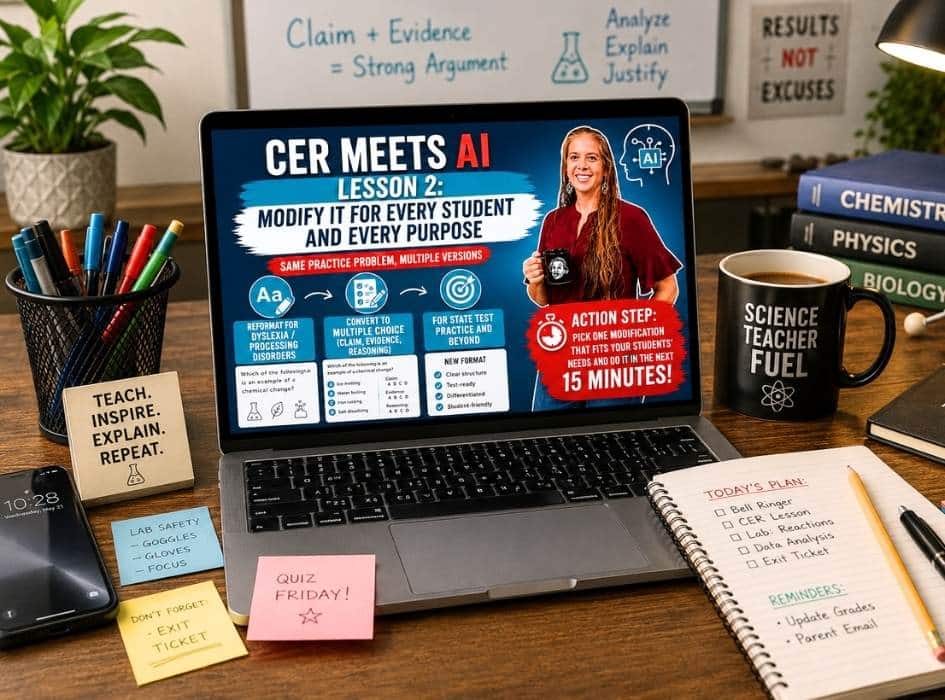
Lesson 2: Modify it for every student
Same practice problem, multiple versions. Reformat it for students with dyslexia or processing disorders. Turn it into a multiple-choice version for state test prep. All from the same starting point, in minutes.
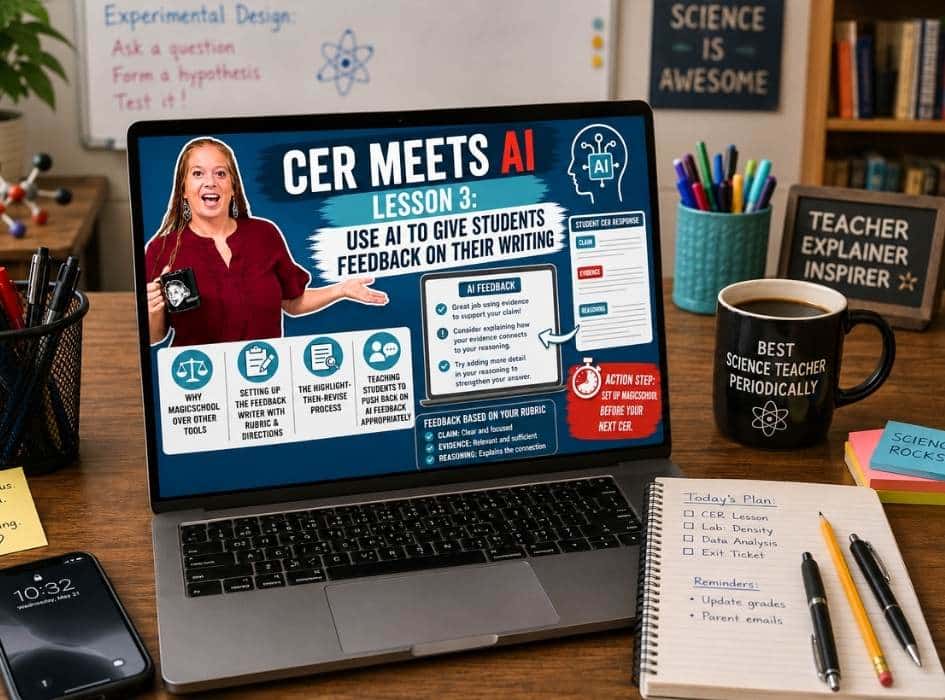
Lesson 3: Use AI to give students feedback
Set up MagicSchool so AI gives your students feedback that matches your expectations. Students revise their writing before they turn it in. You stop writing the same comments over and over.
All three lessons together: $97 value
Plus, you get these bonuses to make it even easier
The CER Prompt Library
Every prompt I use in the course is ready to be copied and pasted. The practice problem prompt, the modification prompts for dyslexia, and the multiple choice, and the MagicSchool setup prompts. No retyping. No guessing what to type.
$37 value
The Starter Image Library
18 classroom-ready images to use with AI from day one. Whatever you teach, you’ll have something to begin with:
Life Science: 2 graphs, 2 data tables, 2 diagrams
Earth Science: 2 graphs, 2 data tables, 2 diagrams
Physical Science: 2 graphs, 2 data tables, 2 diagrams
$47 value
Total Value: $181
Only $37
This course is for you if...
You're tired of searching for CER practice that fits your unit
You're tired of writing the same comments over and over
You want to make your own practice problems, on demand, for whatever you're teaching
You're curious about AI but want someone to show you the actual steps
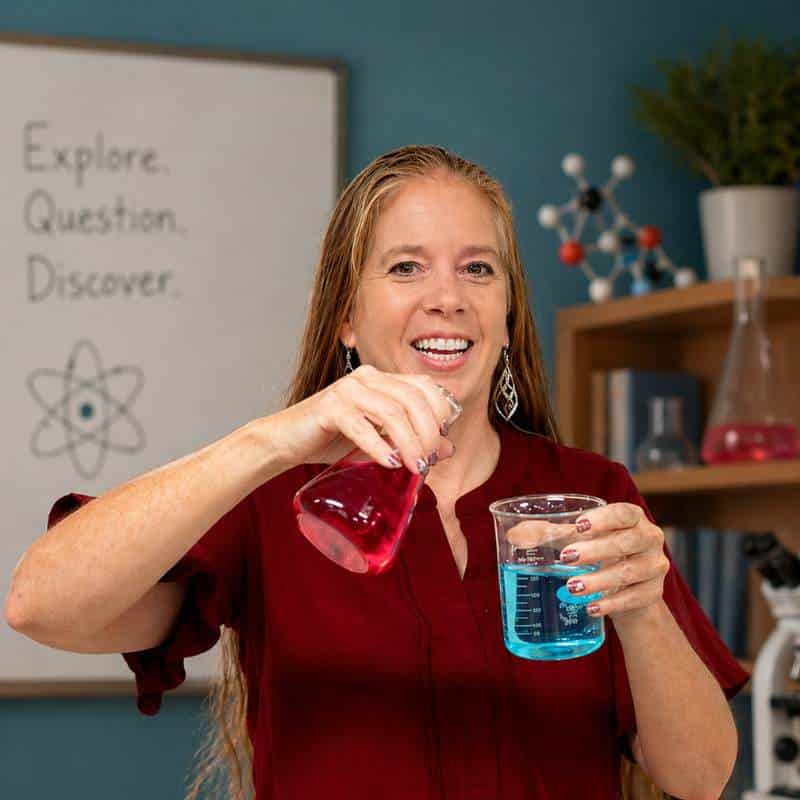
Hi, I'm Kristi.
As a middle school teacher with over 27 years of experience, teaching in a Title I school where more than half of my students are English language learners. My classroom includes students with individualized education programs (IEPs), gifted learners, and everything in between.
For years, I spent my evenings searching for Claim, Evidence, and Reasoning (CER) practices that fit my curriculum and then trying to modify them for students who needed something different. I found myself repeating the same comments on similar mistakes over and over again, which became exhausting.
When I finally started using AI as a support tool, my classroom changed. AI didn’t replace my teaching; instead, it took care of the time-consuming tasks that were overwhelming me.
This course is the system I wish I had when I started. It includes three short lessons, the prompts I actually use, and images to help you get started.
Got questions? I've got your answers!
Is this course live, or can I do it at my own pace?
It’s fully self-paced. You’ll have lifetime access to all three lessons, the prompt library, and the image library. Watch them in one sitting or one a week, whatever works for you.
How long does the course take?
Each lesson is about 15 minutes, so under an hour total. Most teachers finish the whole thing in one sitting on a weekend.
Do I need to know anything about AI to start?
No. I’ll walk you through everything step by step, including how to sign up for Claude (free) and how to set up MagicSchool (free).
I've tried AI before and it took longer than just doing it myself. Will this be different?
That’s the exact reason I built this course. The prompts in the library are the ones I tested in my own classroom until they worked the first time. You’re not figuring out what to type. You’re copying what already works.
What grade levels is this for?*
I teach middle school science, and most examples come from there. The process works for any grade where students write CER, roughly from 4th grade through high school.
Will this work with my curriculum?*
Yes. The whole point of the course is to use the images, diagrams, and data tables you already have. You don’t need to buy new resources or change what you teach. You learn a faster way to turn what you have into practice.
What if I try it and it's not a good fit?
Try it for 7 days. Watch the lessons, follow the steps, and create your first practice problem. If it’s not the right fit for you, just email me, and I’ll refund you. No questions.
How long will I have access to the materials?
Lifetime. Once you buy, the course is yours. Any updates I make to the lessons or the prompt library, you get those too.
Can I share this with my teaching team?
The course is licensed for one teacher. If you’d like to share it with your team or your department, just email me about a school or district license.
You don't have to keep hunting for CER practice.
Three lessons. The prompts I actually use. 18 images to start with on day one. A 7-day money-back guarantee in case it’s not the right fit.
By the end of this weekend, you can be making CER practice for any unit, in 15 minutes.
3 Self-paced lessons $97
The CER prompt library $37
The starter image gallery $47
Total Value $181