
Description
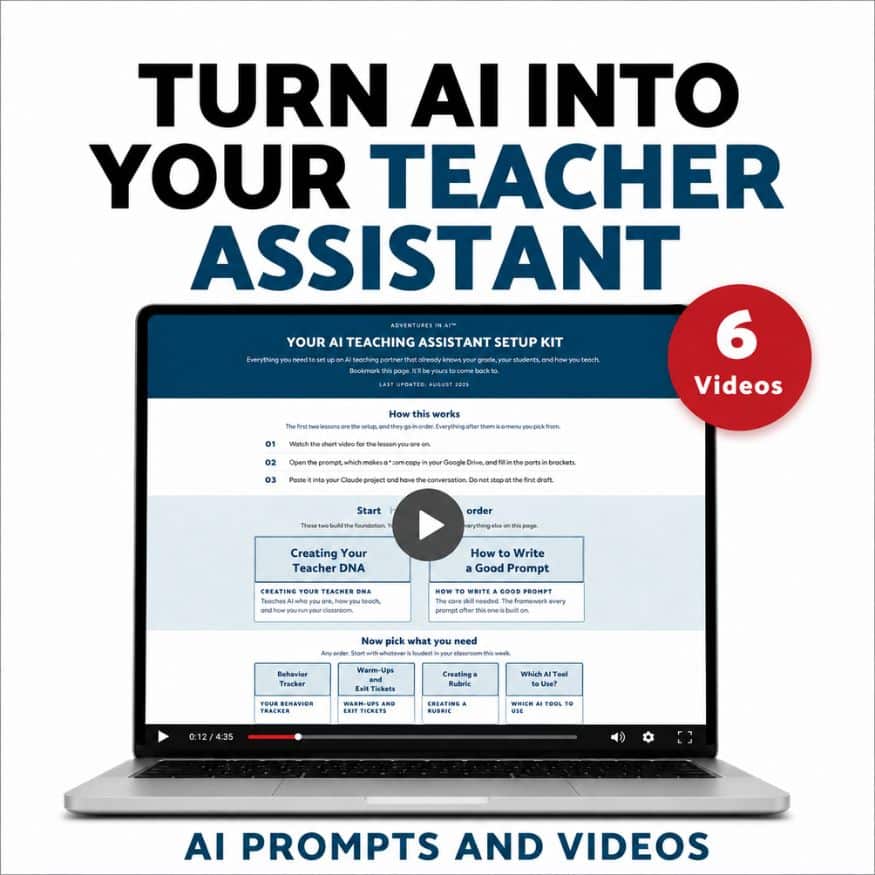
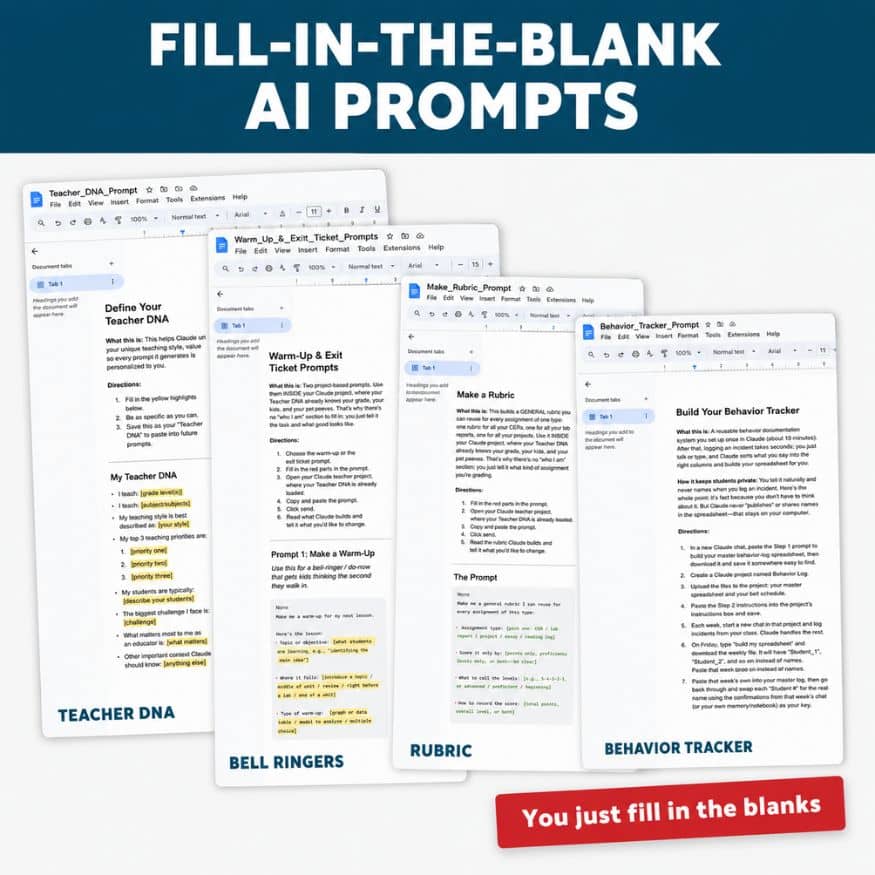
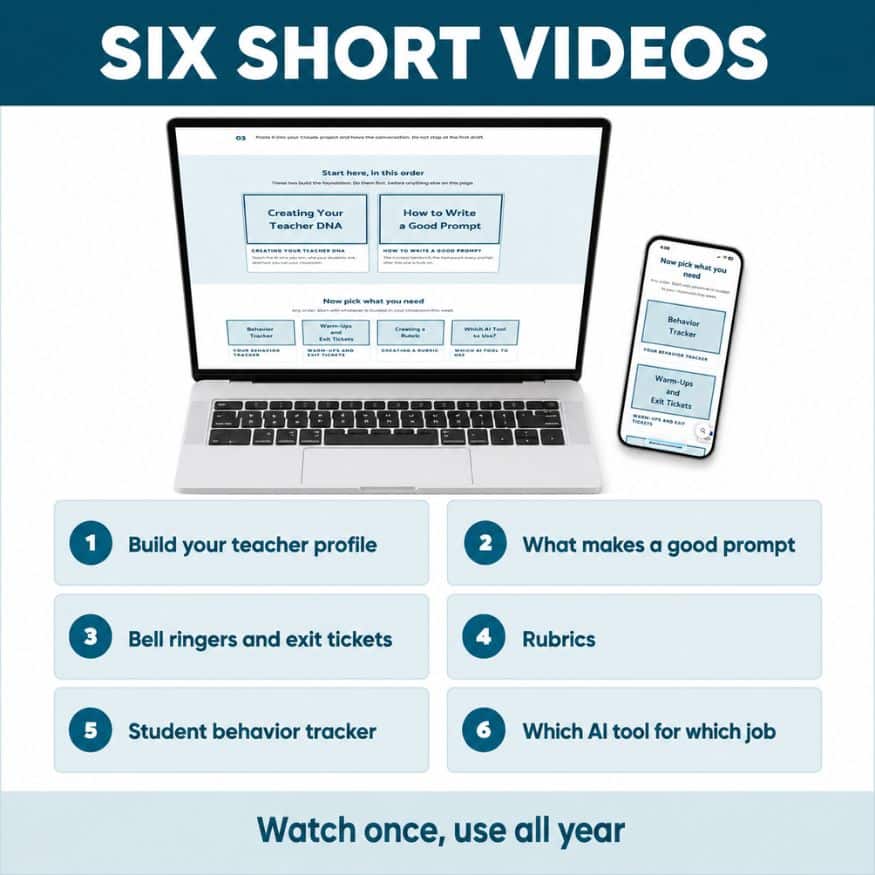
Looking for a way to actually use AI in your classroom without spending your whole prep period arguing with a chatbot? These six short ai literacy videos with AI prompts walk you through setting up an AI teaching assistant that knows your grade, your subject, and how you run your classroom, then using those prompts to build bell ringers, warm ups, exit tickets, a student behavior tracker, and a rubric. Every prompt comes as a fill-in-the-blank Google Doc you can copy and edit, plus a printable AI tool flow map and a private video page you can come back to all year.
This is a video course with prompt templates, not printables. You will not download a finished student behavior tracker or a set of bell ringers. You will learn to build your own in a few minutes, for any unit, any time you need one.
Setup takes about 15 minutes and you only do it once. Everything works on the free version of the AI tools, so there is nothing else to buy.
Click the Preview to learn more
What will you be doing in this AI prompts video course?
- Build a teacher profile so AI stops giving you generic, could-be-any-grade answers
- Learn the prompt structure that gets you something you would actually hand to students
- Write bell ringers, warm ups, and exit tickets in a few minutes. If you teach middle school science, your profile makes them science bell ringers
- Build a reusable rubric by assignment type instead of starting over every time
- Set up a student behavior tracker as a three-step system, with a privacy note about what you should never type into an AI tool about a student
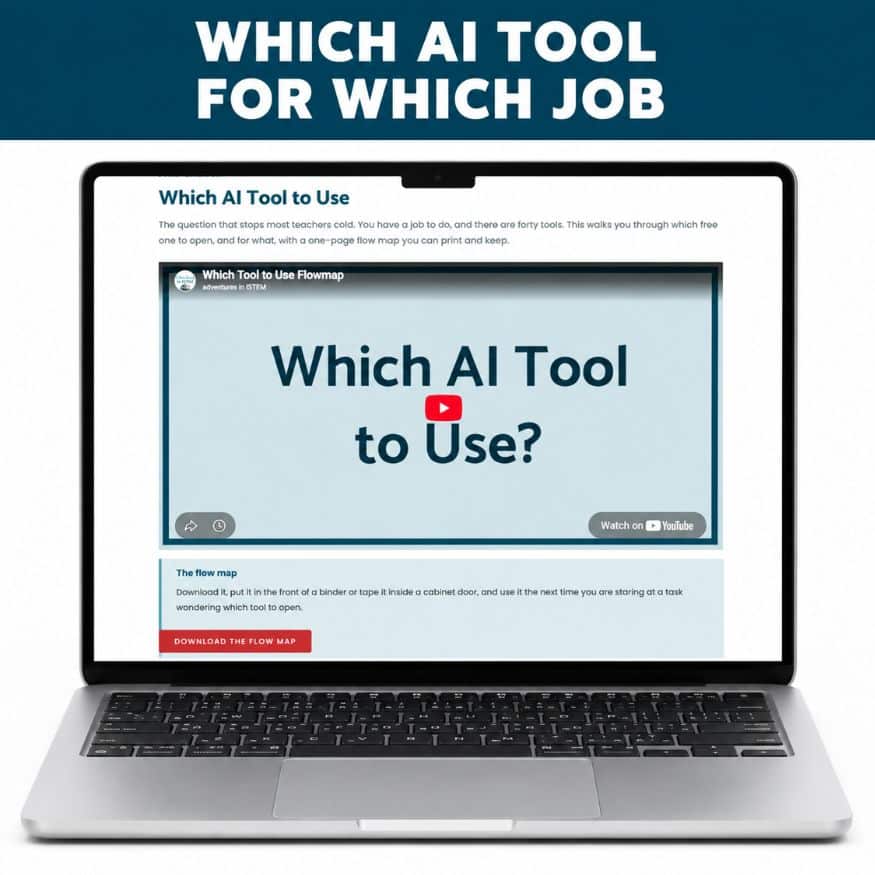
- Figure out which AI tool to use for which job so you stop downloading new ones
Included in this AI prompts for middle school teachers product:
✅ Video 1: Build your teacher profile so AI knows your grade, subject, and classroom
✅ Video 2: What makes a good prompt (the Context Sandwich)
✅ Video 3: Bell ringers, warm ups, and exit tickets
✅ Video 4: Rubrics you can reuse by assignment type
✅ Video 5: Student behavior tracker, a three-step system with a student privacy note
✅ Video 6: Which AI tool for which job
✅ 4 fill-in-the-blank AI prompt templates in Google Docs
✅ Printable AI tool flow map PDF
✅ Private video page with everything in one place, yours all year
No experience with AI needed. If you have tried it once, gotten something useless back, and decided it was not worth the trouble, this AI prompts video course is built for exactly that.