One thing that has really saved me time this year is AI lesson planning. I use it to help differentiate my lessons and better meet the needs of my students.”
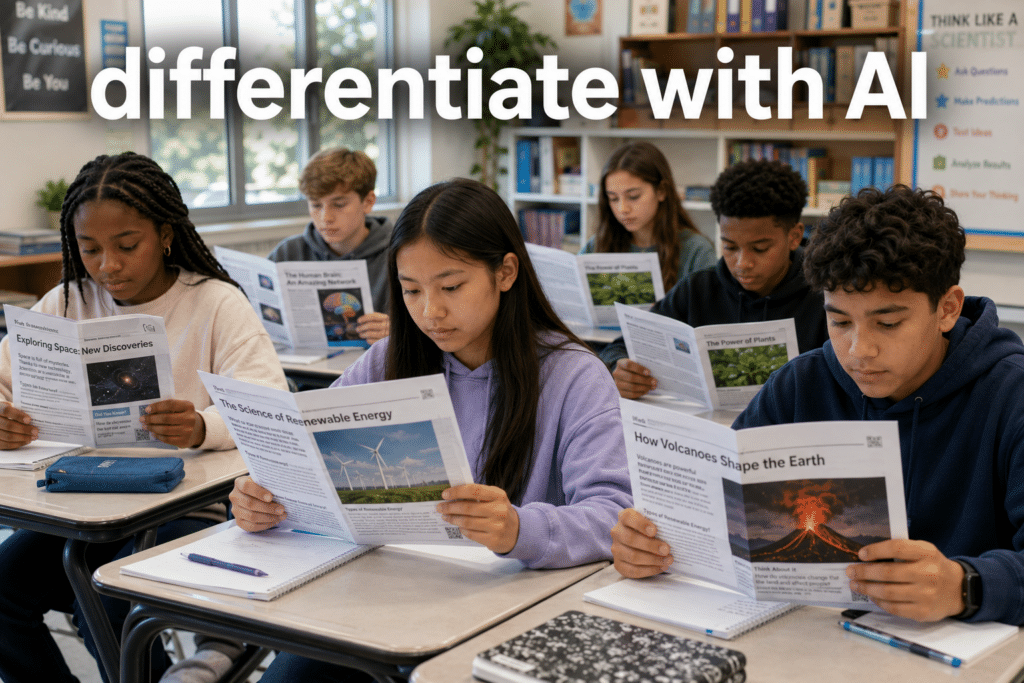
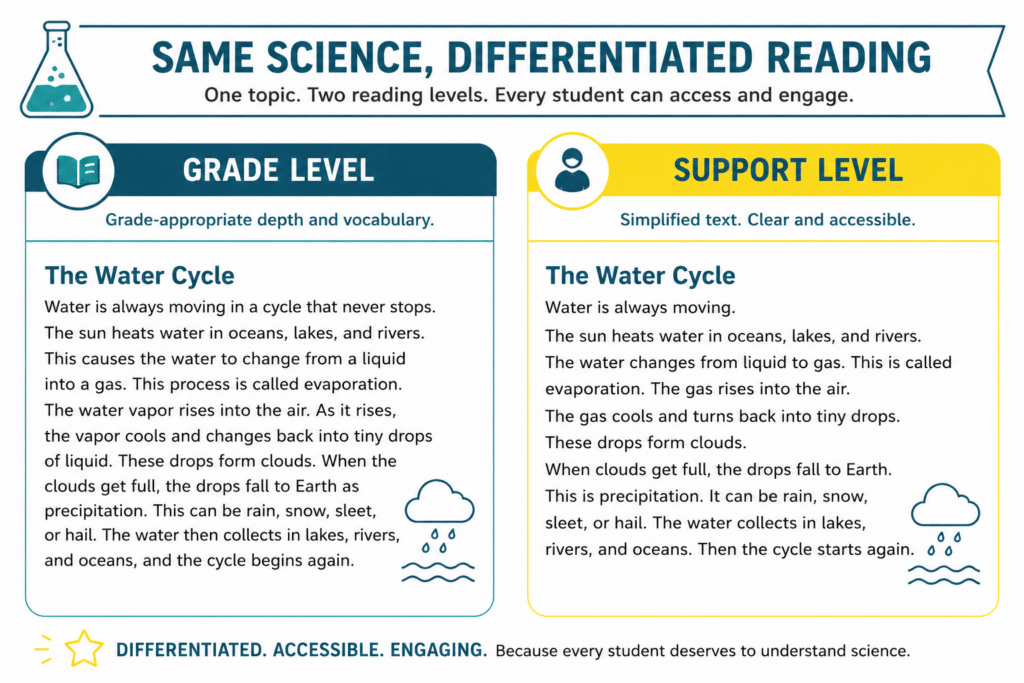
I create my own one-page science readings and try to write them at grade level. The problem is that not every student is at grade level. In my class, I have a lot of language learners who are reading 2 or more levels below grade level. I also have some gifted learners who are reading 2 levels or more above grade level. In the past, I would help my lower readers access the information by breaking down the vocabulary and providing the definitions at a lower level. I would challenge my higher readers by asking more challenging questions that they would need to research. But the actual reading didn’t change. With AI, that is no longer the case.
How to use AI to Differentiate Science Readings:
Here are some different ways you can use AI to differentiate your readings.
1. Level an article up or down with Diffit
Diffit is built for exactly this. Paste in any science article, pick your reading levels, and it rewrites the same content at multiple levels, then hands you auto-generated questions and a vocabulary list to go with each. In no time at all, you can take your one article or reading and create three different versions. Everyone is still getting the science at a level that helps them access it or challenges them.
2. Rewrite text right in your browser with Brisk Teaching
Brisk Teaching is a free Chrome extension that works on top of whatever’s already on your screen. Highlight a passage on a website and adjust the reading level without leaving the page or copying anything into another tool. It’s perfect for the article you found five minutes ago and want to use today.
3. Build leveled versions of your own text with ChatGPT or Claude
When the text is something you wrote, a lab intro, a study guide, a passage you made, just paste it into ChatGPT or Claude and ask for three reading levels of the same content. Tell it the grade bands you want and the science to keep intact. You get a grade-level version, a stretch version, and a support version of your own material in one go.
4. Translate and level for your ELLs
For multilingual learners, ChatGPT or Claude can give you the same science in a student’s home language alongside a leveled English version, side by side. That lets an ELL access the actual content while still building English, instead of being stuck waiting until their English catches up to the reading. Always have a fluent colleague spot-check a translation when you can.
5. Generate text-dependent questions per level with MagicSchool
Leveling the reading is only half the job. The questions have to match, or your support readers get an easier text but the same impossible questions. MagicSchool will generate text-dependent comprehension questions aligned to each version, so every student is doing real thinking at their level, not just decoding easier words.
6. Pull key vocabulary and a glossary
Any of these tools will give you a quick, student-friendly word bank and glossary for the harder version of a text. I use this constantly for the dense science vocabulary that trips kids up before they even get to the ideas. A two-minute glossary can be the difference between a student engaging with the reading or shutting down on the first paragraph.
Keeping the science intact
Here’s one thing that matters. Leveling a text down can quietly change the science. AI might simplify “the particles move faster” into something that’s easier to read but no longer accurate, and a struggling reader is the least likely to catch the error. So always read the AI version yourself before it goes to the students. Check the science, check the standards alignment, and make sure the lowest level still asks students to do real thinking, not just read smaller words.
Try it with one article.
Pick one article you’re already planning to use this week and run it through one of these tools. At the time of this writing, Driffit would be the best one to try. Make two or three versions, hand each student the one that fits, and watch what happens when everyone can actually read the science in front of them. If you want to see my exact workflow, the walkthrough video is right here in this post. (video still needs to be created) Same science, every reader, in minutes.
Looking for more ways to use AI to help you plan lessons? check out