
Most of my students can get an answer from AI in about ten seconds. What they can’t do yet is tell if it’s accurate, if it’s making something up, or what they actually learned from the answer. That’s the whole reason I teach them how to use AI. I want them thinking about the information they’re getting, not just copying it.
Banning AI doesn’t really work. Students will use it anyway, just without anyone showing them how to use it well. So instead, I teach them how to use it responsibly. When teaching AI literacy, the whole approach comes down to one simple rule:
The one rule students need first
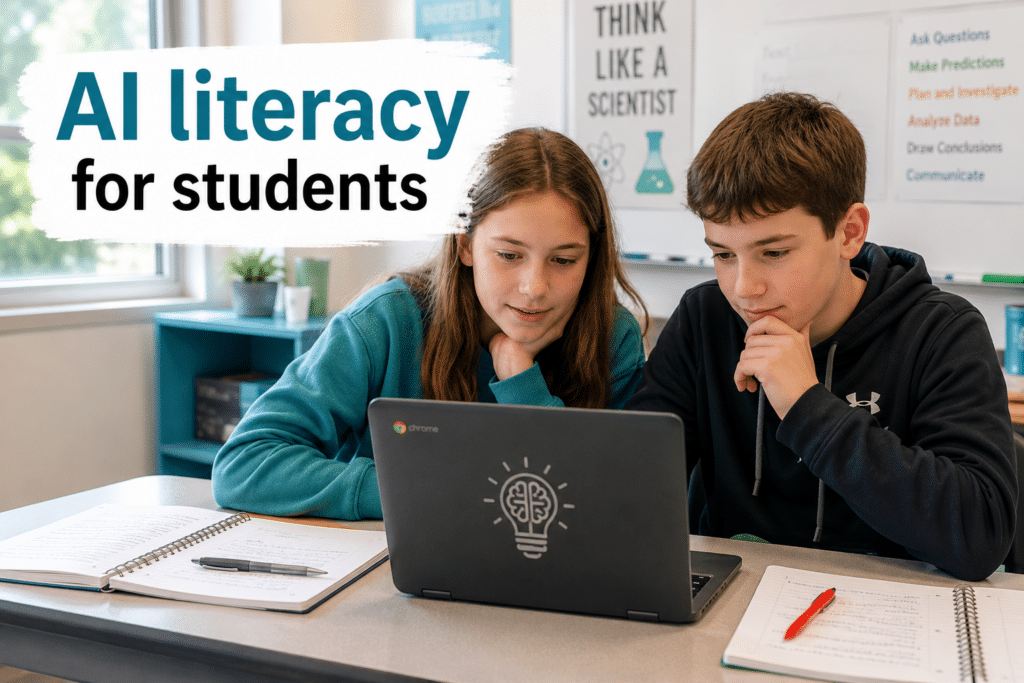
I give my students one rule. Their brain does the first draft. AI helps them improve the second draft. That means they do the thinking first. It can help them understand a concept, point out mistakes, or suggest ways to improve, but it shouldn’t replace their thinking. The goal of every assignment is to come out the other side understanding more than when they started.
Good ways students can use AI in science
These are the student-facing uses I actually allow and teach. Most of them can be done in Magicschool, where you still control what they are doing with the AI program.
1. Build a review game. (QuizMe tool)
Students have AI turn their own notes into practice questions, a quiz show set, or flashcards to study a unit. They’re still doing the studying, but now they’ve got a tailored way to practice instead of just rereading.
2. Get feedback on their writing. (Writing Feedback Tool)
Students use AI as a feedback partner on a CER paragraph or a lab conclusion, then they revise it themselves. The AI points out where the evidence is thin, and the student does the rewriting. This is the heart of how I have students use AI: they get the input, then do their own thinking and revising.
3. Find a research topic they actually care about. (Research Assistant Tool)
When a student is stuck on what to investigate, AI is great for brainstorming angles on something they’re curious about. They pick a direction, then go investigate it for real. The thinking is theirs; the AI just helped them find the door.
4. Summarize a tough topic. (Text Summarizer Tool)
Students turn a dense article into a plain-language summary to help them understand it. The key step is that they then have to create notes and questions from the summary. Some of the questions should extend their learning and force them to do more research to answer.
5. Explain it a different way. (Multiple Explanations Tool)
When a student is stuck on a confusing concept, they can ask AI to re-explain it with an analogy or in simpler words. Sometimes hearing it framed three different ways is exactly what makes it click, and it lets a stuck student get unstuck without waiting for me to circle back.
Teaching the guardrails so they use it honestly
Using AI well is a skill, and like any skill, students need to be taught it. Three guardrails do most of the work.
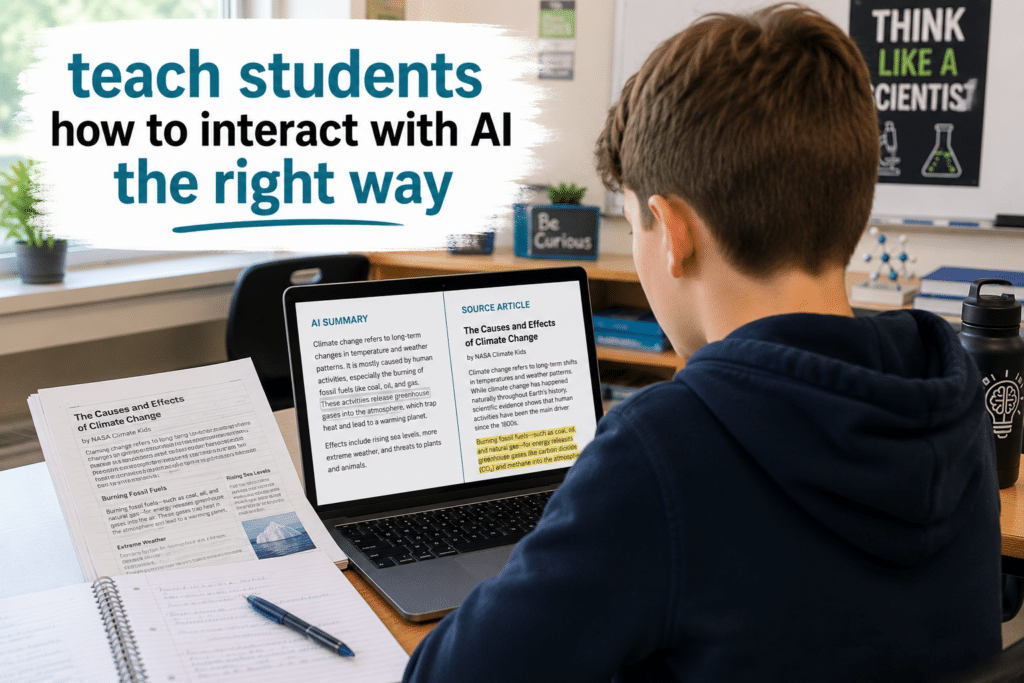
First, teach them to fact-check what AI says, because it makes things up confidently and constantly. In science, a wrong-but-confident answer is dangerous, so I have students cross-check AI claims against a real source. I also have them ask where AI got its answer and why it answered it that way.
Second, teach them the difference between using it to learn and using it to copy. My students know they aren’t allowed to copy what AI has given them. They need to put things in their own words. When they use the feedback tool for their writing, I design it so that AI never gives them one answer but multiple examples to help them with a starting point, but they still make the decision.
And third, teach them to be honest about when and how they used it. These aren’t just classroom rules. They’re real-world skills students will need long after they leave your room.
A simple okay versus not okay, you can post
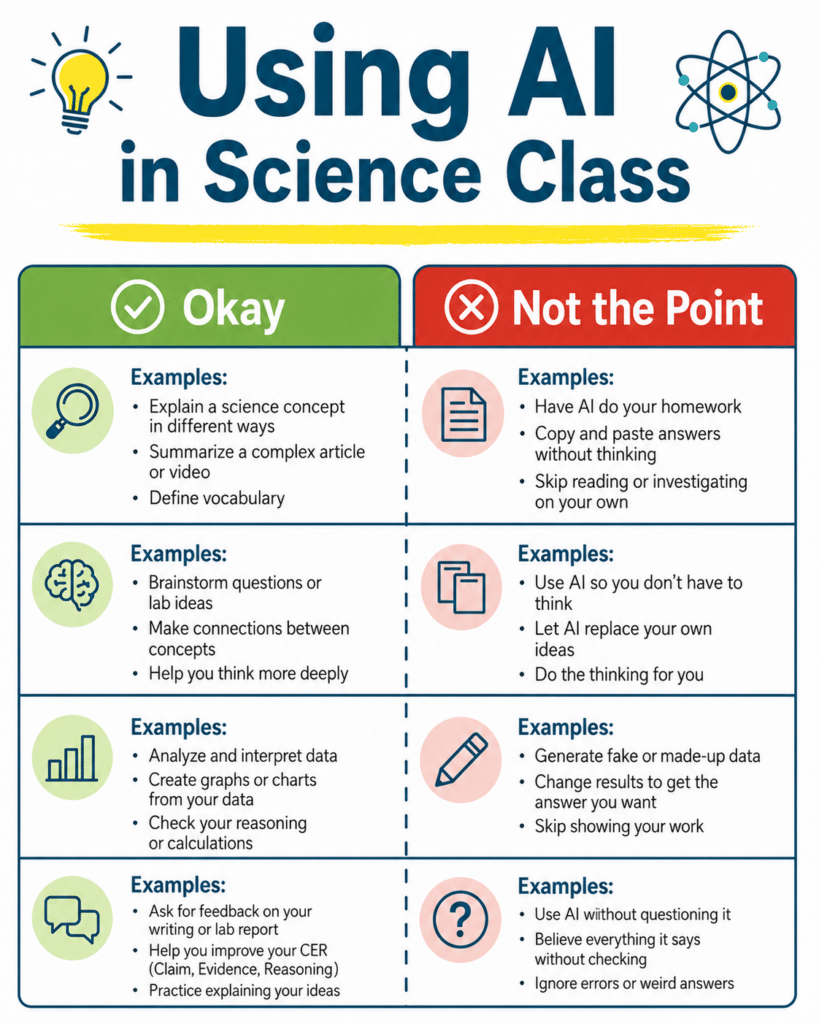
As AI finds its way into more schools, I know many districts are coming up with AI policies for students and staff. I keep a quick anchor chart up so the line is clear, and it boils down to one idea. Using AI to understand a concept is great. Using AI to do the thinking for them is not so great.
Here’s the kind of thing I put on each side. Okay: asking AI to explain photosynthesis a different way when you’re stuck, or to quiz you on vocabulary before a test. Not okay: having AI write your lab conclusion so you don’t have to think about what your data showed. Same tool, completely different outcome, and once students see it laid out like that, most of them actually get it.
Start with one assignment.
You don’t have to roll out a whole AI literacy program. Start small. Pick one assignment and one student-facing use this month, maybe letting students build a review game from their notes, and teach them how to do it well. Teaching kids to use AI as a thinking tool instead of a shortcut is one of the most useful things we can do for them right now, and it starts with a single, well-framed assignment. If you want to see how I introduce it to students, the video is right here in this post.
Looking for more ways to help students learn AI literacy? check out